Banned on Xbox and PS5 for a GTA 6 clip: auto-upload and the nudist resort photo
Xbox players report two-day suspensions after clips the console uploaded on its own. On PS5, a 30-day PSN social features ban followed a nudist resort photo sent to a friend. How to turn auto-upload off, and what the rules say.
Published 3 min read
In this post
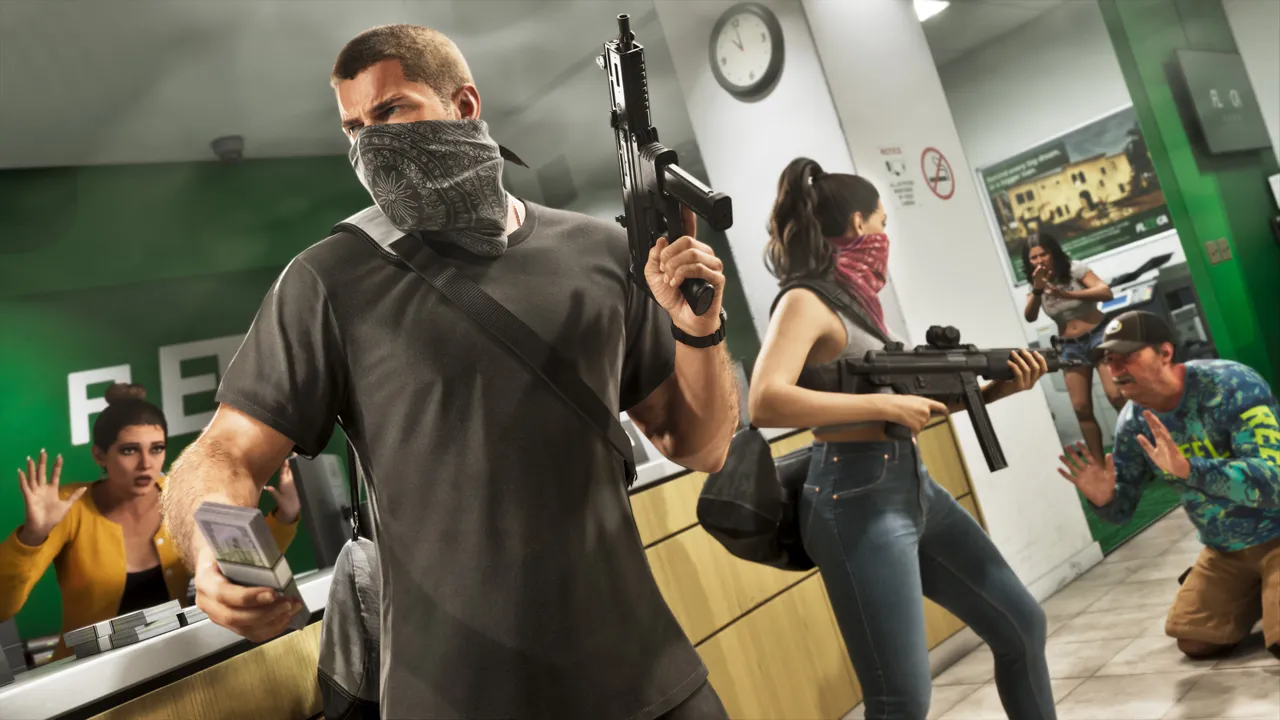
GTA 6 is an adult game, with beaches, a phone camera and even a nudist resort waiting for anyone who goes exploring Leonida. What the game lets you photograph, though, runs into Xbox and PlayStation rules the moment the clip leaves the console. This week, that has meant two-day suspensions for some players and a 30-day ban from PSN social features for others.
The headlines
- Xbox: reports of two-day suspensions after clips went to the Xbox network on their own.
- How to avoid it: under Capture & share, turn off automatic uploads.
- PS5: 30 days without PSN social features for a nudist resort photo sent through messages.
- The rules: PlayStation’s Code of Conduct and Xbox Community Standards apply to what you share, even when the image started in the game.
The console that posts the clip for you
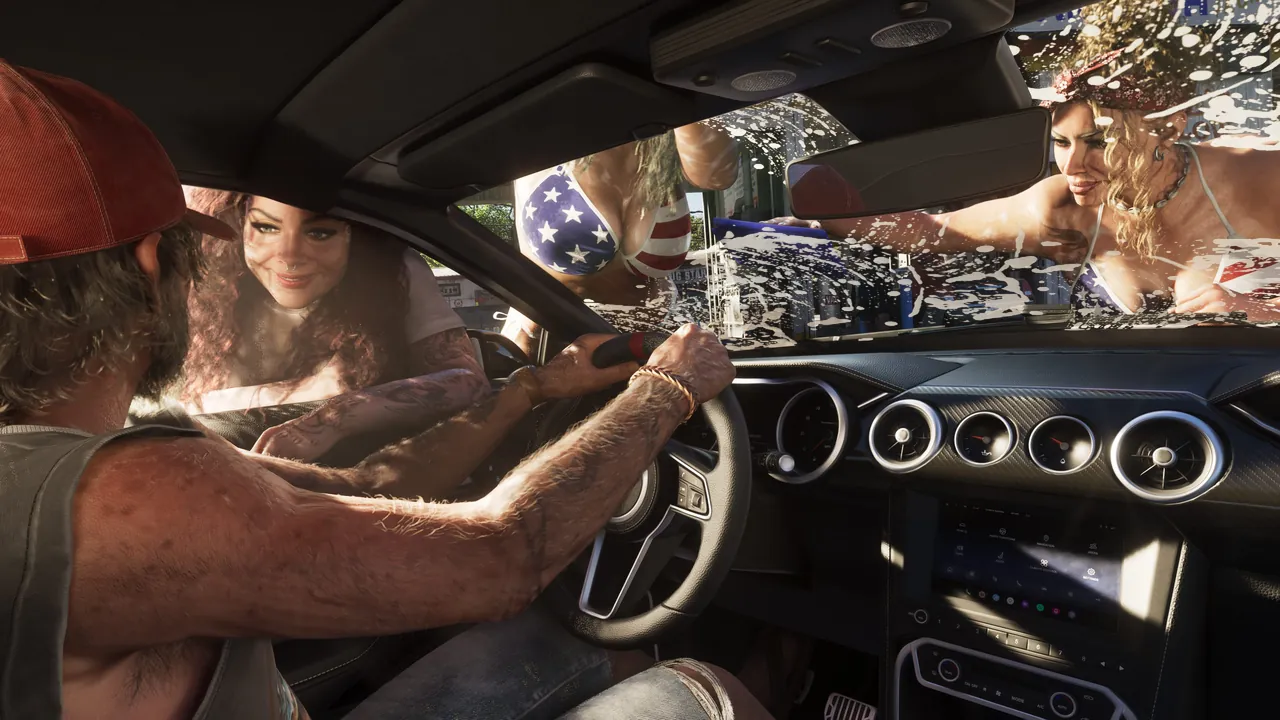
On Xbox, players have reported two-day suspensions after GTA 6 clips were uploaded automatically to the Xbox network. One case described on Reddit, and picked up by VGC and Beebom, involves a 28-second Vice City beach clip of NPCs in swimwear, with no explicit nudity, that the console itself is said to have sent. Xbox Community Standards apply to material that reaches the Xbox network, including footage from a mature-rated game. As of November 22, Microsoft had not issued a statement specific to these cases.
How to turn off automatic uploads on Xbox
Automatic upload is an Xbox setting, and you can turn it off. Press the Xbox button to open the guide, go to Profile & system, Settings, Preferences, Capture & share, and under Automatically upload choose Don’t upload. Beebom also describes the path through the Captures tab. Clips still save on the console; they just stop going to the Xbox network on their own. Check the OneDrive upload setting too, which is separate.
Turning the setting off does not stop you from recording a chase or a day at the beach. It just leaves the decision to publish in your hands, which is the most useful advice of the week for anyone on a Series X or Series S. If Xbox is already on your mind, the other technical story of these days is in our post on the 60 fps glitch and the CE-108255-1 error on PS5.
The resort photo and 30 days on PSN
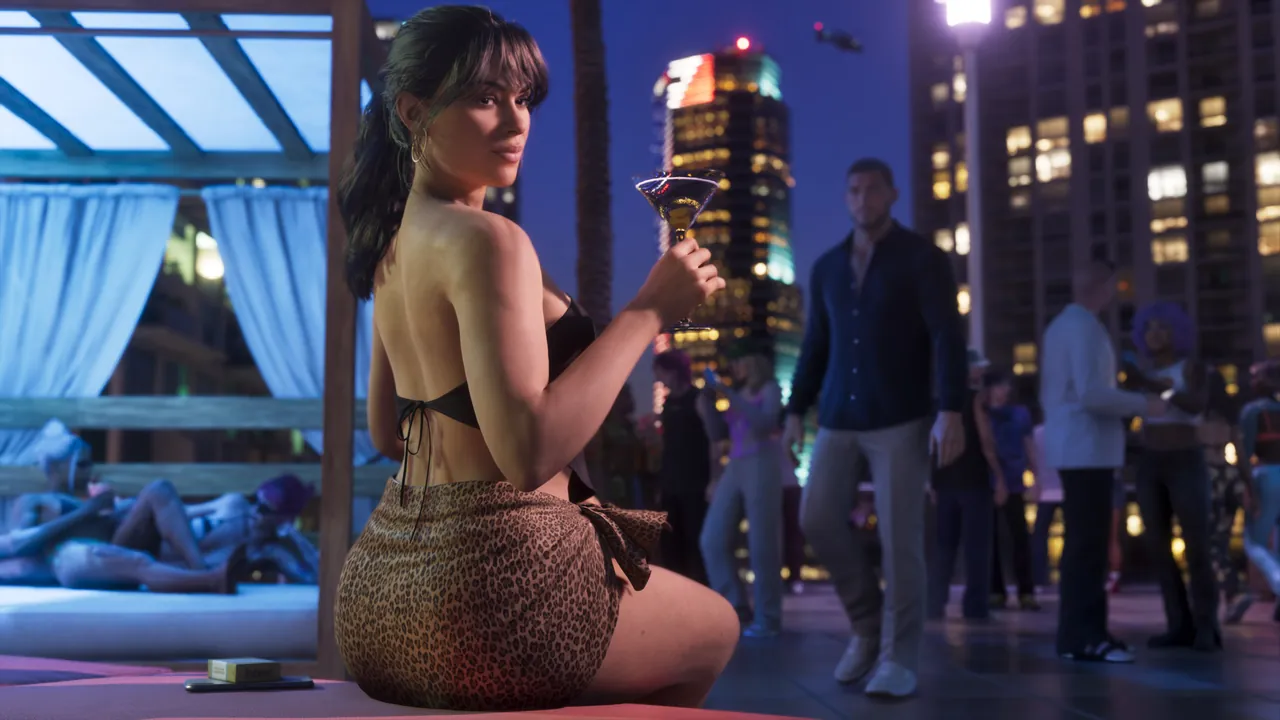
On PlayStation 5, the story is different. On November 20, user DerrickGott007 wrote on X that he had received a 30-day ban from PSN social features after sending a friend, through PlayStation’s messaging service, a photo taken with the in-game camera at a GTA 6 nudist resort. Eurogamer and Dexerto reproduced the PlayStation Safety notice: the content was said to have breached the Code of Conduct for “pornographic or obscene content,” and further offenses may lead to a temporary or permanent suspension from the whole of PlayStation, not just social features. The player later said the restriction also stopped him from joining multiplayer, including in other games, because online play falls under those features. The Code of Conduct asks players not to share, solicit, access, distribute or store obscene, pornographic or illegal material, and it does not carve out an exception for images taken inside an adult-rated game.
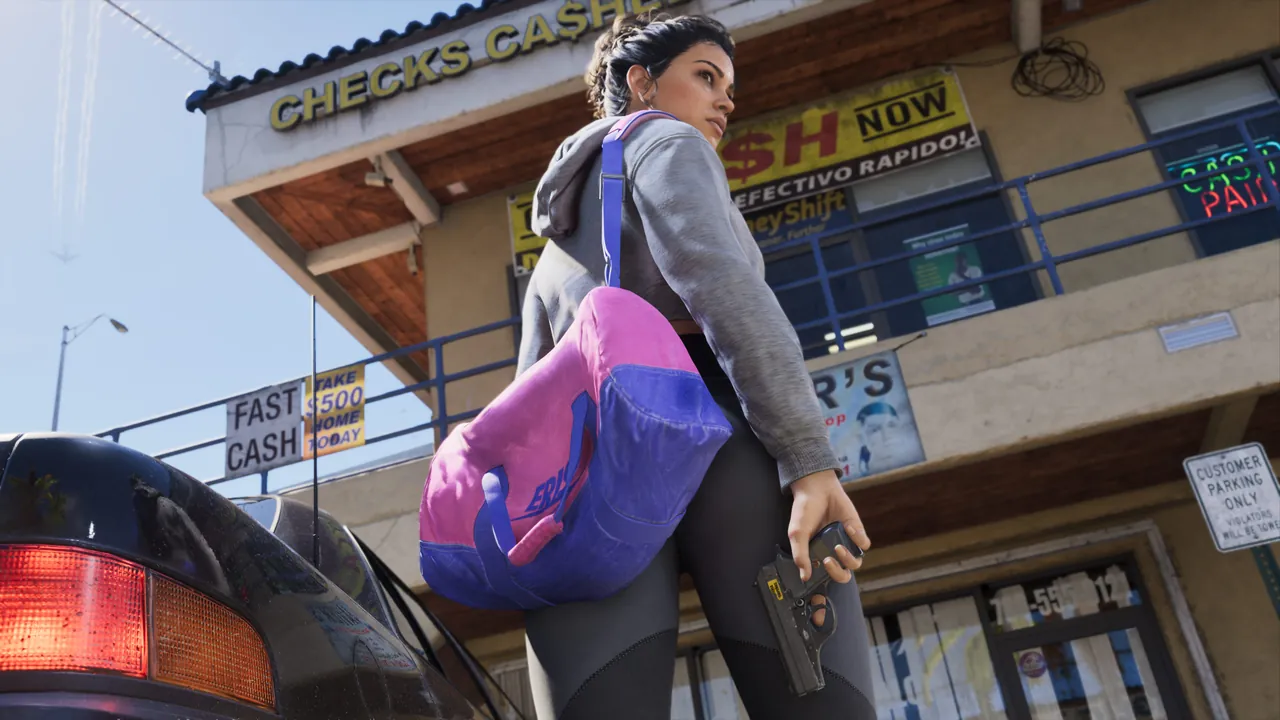
Story mode itself is not the target. The problem starts when the image moves from the game into a message, a story or your account gallery. It is the same kind of small choice we flag in our beginner tips: Leonida is huge, and sending a screenshot to a friend can have effects outside your save.
Frequently asked questions
Can you get banned on Xbox just for playing GTA 6?
No. The reports are about clips and screenshots that reach the Xbox network, often because automatic upload was on. Playing the campaign on the console, without posting, is not what those rules punish.
How do I turn off automatic clip uploads on Xbox?
Open the guide with the Xbox button, go to Profile & system, Settings, Preferences, Capture & share, and under Automatically upload choose Don’t upload. Clips still save on the console.
What happened in the PSN case?
A player said he received a 30-day ban from social features after sending a friend, through PlayStation messages, a photo of the nudist resort taken with the in-game camera. By his account, the restriction also blocked multiplayer.
Have Sony and Microsoft made a statement?
PlayStation applied the Code of Conduct in the reported case, and Xbox Community Standards cover what reaches the Xbox network. As of November 22, neither company had issued a statement specific to a wave of GTA 6 punishments.
Sources
Every fact in this post comes from these pages. The writing is ours.
- VGC: GTA 6 Xbox PSA: How to Stop Automatic Clip Uploads and Avoid Bans
- Beebom: Xbox Is Banning Players for GTA 6 Auto Uploads; How to Turn It Off
- Xbox: Xbox Community Standards
- DerrickGott007 (X): DO NOT SEND ANY PHOTOS TAKEN WITH THE IN GAME CAMERA ACROSS THE PSN MESSAGING NETWORK THAT CONTAIN NUDITY
- Eurogamer: GTA 6 player gets 30-day PSN ban for sharing in-game nudist photo with a friend
- Dexerto: GTA 6 player hit with 30-day PSN ban after sharing nude in-game photos with friend
- PlayStation: PlayStation Code of Conduct